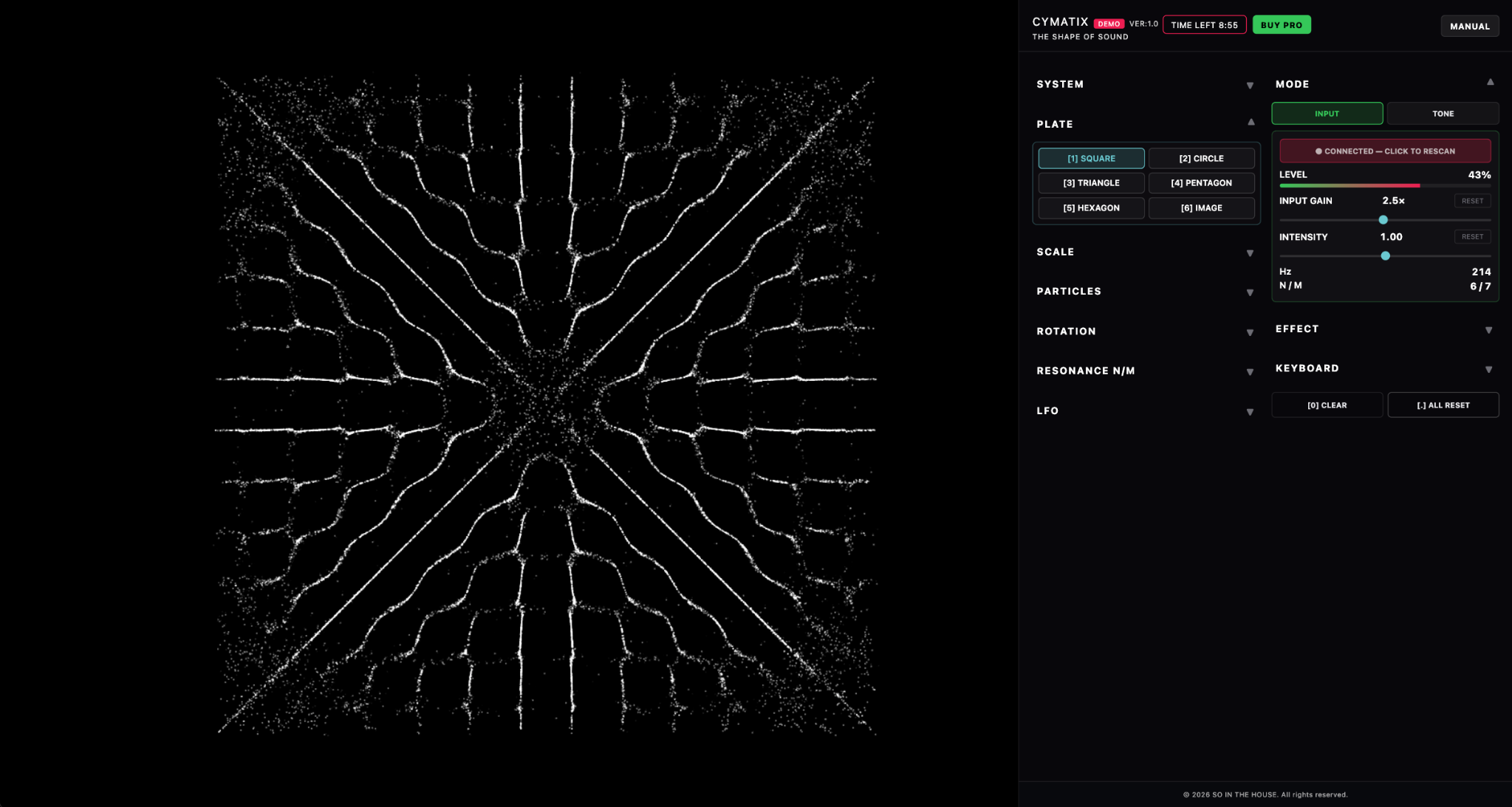
Pattern Library
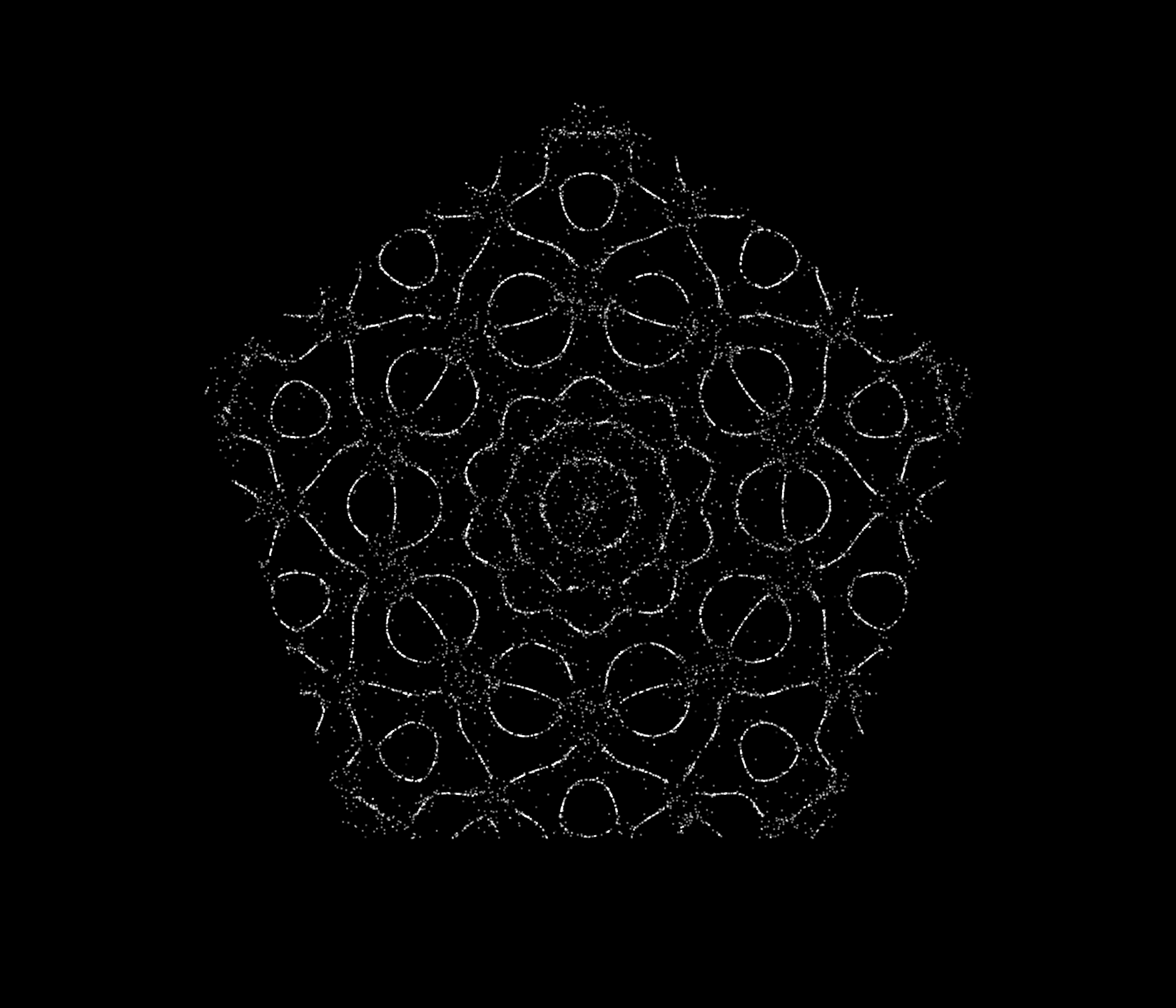
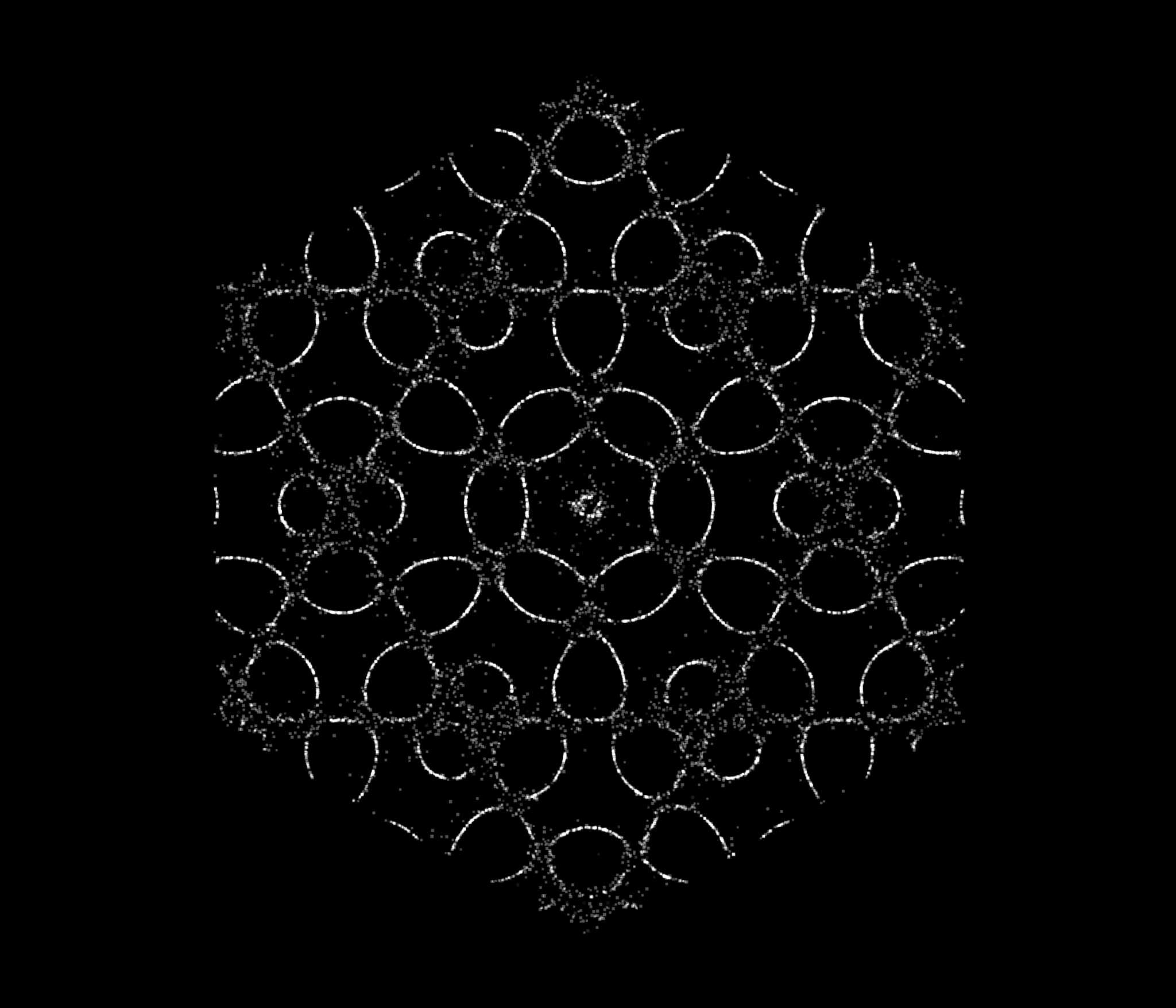
6つのモード、それぞれのかたち。Six modes. Distinct forms.
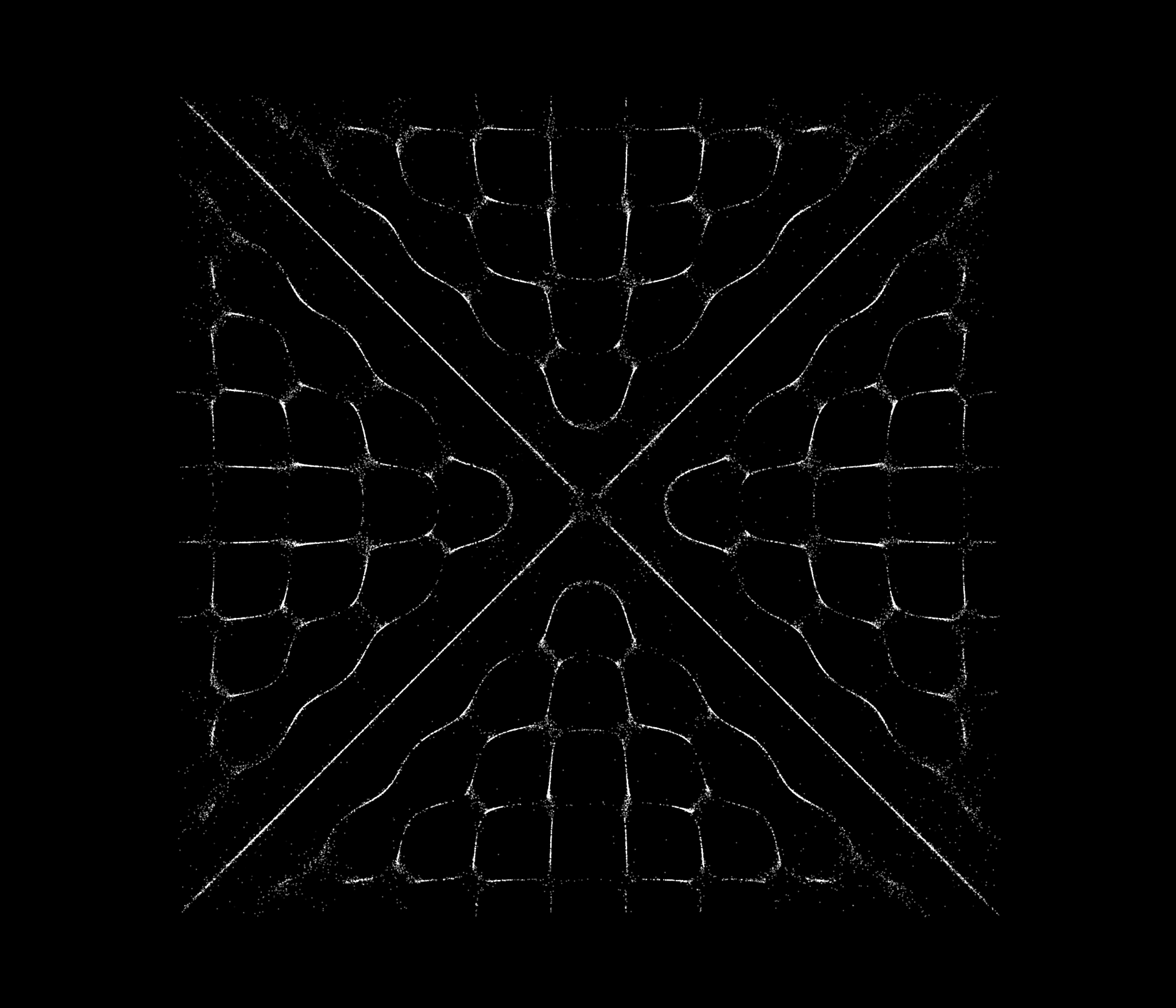
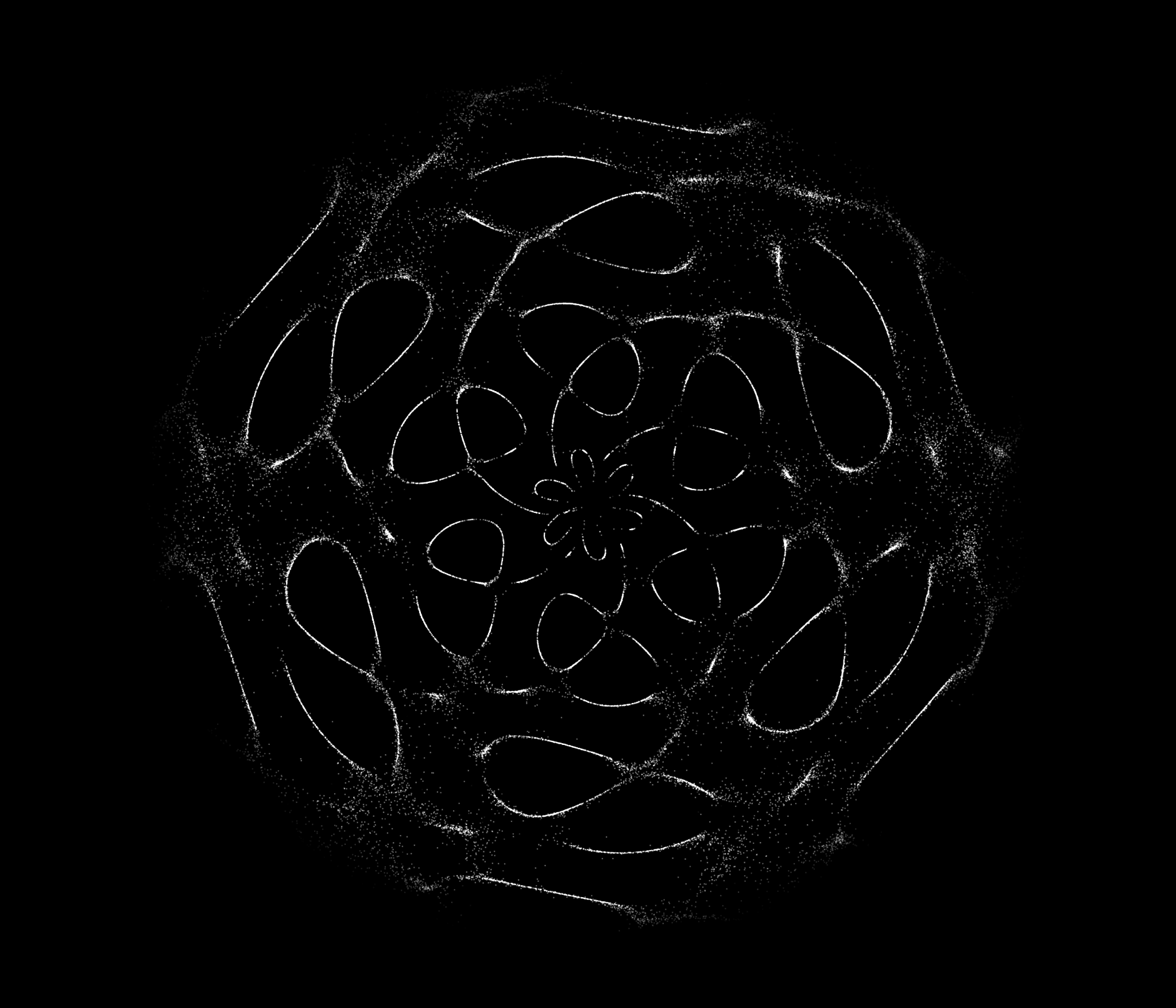
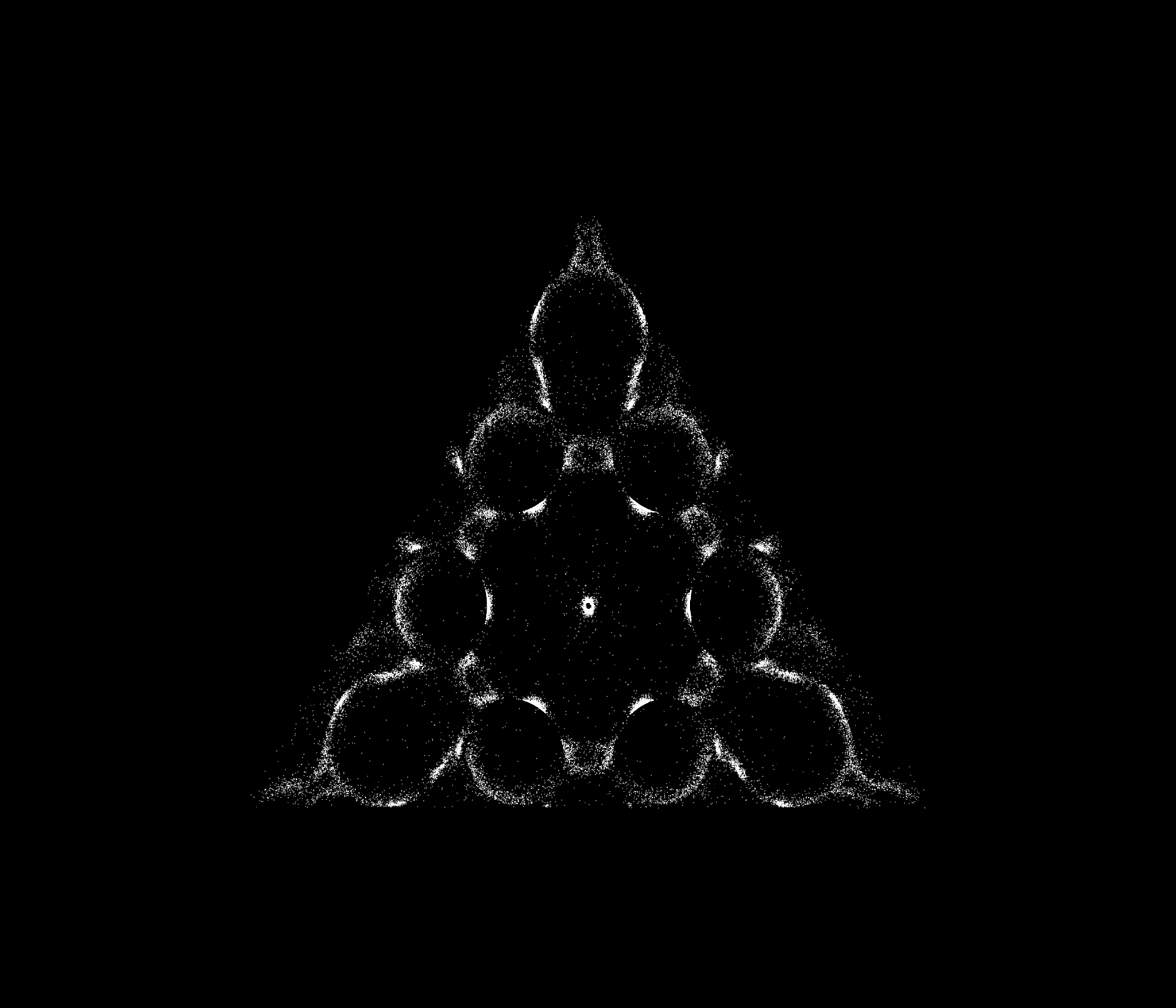
プレートごとに異なる図形が立ち上がる。掲載しているのは、すべて製品版で実際に描画したビジュアルです。
Each plate generates a distinct visual structure, shown here exactly as rendered in the PRO version.
音が、図形になる。
Sound becomes form.
音を入力すると、粒子がクラドニ図形を描き出す。音の変化をリアルタイムで可視化し、演奏するためのビジュアル・シンセサイザーです。ブラウザだけで起動します。
Feed in sound, and particles draw evolving Chladni patterns in real time. A browser-based visual synthesizer built to be performed.
PRO — $29〜(買い切り)/ DEMOは無料PRO — $29+ (one-time) / DEMO is free
金属板の上で砂が描くクラドニ図形。その原理をもとに、音と粒子が反応するリアルタイム・シミュレーションとして再構成しました。周波数が変わるたび、粒子は新しい節線へ移動し、異なる図形を描きます。
Inspired by the principles behind Chladni figures, CYMATIX reinterprets them as a real-time simulation of sound and particles. As the frequency changes, particles migrate toward new nodal lines and form new patterns.
粒子は方程式がゼロになる節線へ移動します。周波数はf ∝ √(n²+m²)でN/Mへ写像(F_BASE = 67.1 Hz、実験点 150 Hz→(1,2) に固定)。
Particles migrate to nodal lines where the equation equals zero. Frequency maps to N/M via f ∝ √(n²+m²), with F_BASE = 67.1 Hz anchored to the experimental point 150 Hz→(1,2).
INPUTモードでは常時2軸で反応。形=入力の主要周波数がN/Mパターンを駆動し、エネルギー=入力レベルが粒子の生成密度を駆動。EFFECT AUTOをONにすれば、色まで音に反応し、静寂で白に還ります。
In INPUT mode the visuals react on two axes, always on. Form: the dominant frequency drives the N/M pattern. Energy: the input level drives particle density. Turn on EFFECT AUTO and even color follows the sound, returning to white in silence.
インストール不要、Chromeで起動。ネイティブFull HDのOUTPUTウィンドウ、動画録画、TouchDesigner連携まで、ライブとコンテンツ制作の現場を想定した設計です。
No install — launches in Chrome. From a native Full HD output window to video recording and TouchDesigner integration, it is built for live stages and content production.
プレートごとに異なる図形が立ち上がる。掲載しているのは、すべて製品版で実際に描画したビジュアルです。
Each plate generates a distinct visual structure, shown here exactly as rendered in the PRO version.
5分間、すべてのプレートと音への反応をブラウザで直接試せます。インストール不要。
Try the 5-minute demo directly in your browser — no download, no install required.
アプリ本体のコントロールパネルと同じ色分けで紹介します。カードの数字は、そのまま実際のキーボードショートカットです。
Presented in the same color coding as the app's control panel. The numbers on each card are the actual keyboard shortcuts.
SQUARE/CIRCLE/TRIANGLE/PENTAGON/HEXAGONの5プレートに、ロゴや画像を扱うIMAGEモードを加えました。ワンキーで切替、形状ごとに最適化された内部プロファイルが自動適用されます。
Five plate geometries—SQUARE, CIRCLE, TRIANGLE, PENTAGON and HEXAGON—plus IMAGE mode for logos and graphics. Switch with one key — each plate applies its own internal performance profile automatically.
マイクやオーディオインターフェースの入力を高分解能アナライザで解析。主要周波数がN/Mパターンを、入力レベルが粒子密度を駆動します。内蔵AGCがクリップを防ぎ、INPUT GAINで手動トリム、INTENSITYで反応量を調整。
A high-resolution analyser reads your mic or interface: the dominant frequency drives the N/M pattern, the input level drives particle density. Internal AGC prevents clipping; trim with INPUT GAIN, scale with INTENSITY.
音源がなくても演奏可能。20 Hz〜20 kHzの対数スライダーで周波数を直接指定し、図形を駆動(図形反応帯域は55 Hz〜2 kHz)。SOUND OFFにすれば、無音のまま図形だけを動かせます。
No audio source needed. A 20 Hz–20 kHz log slider drives the figure directly (figure response range: 55 Hz–2 kHz). Flip SOUND OFF to animate silently.
HUEはワンタップで完結するカラーホイール(角度=色相、距離=彩度、中心=白)。RGBは色収差エフェクトで、SPREADとINTENSITYを操作。BLURはモードではなくトグル——HUEやRGBと自由に重ねて、軌跡を光に溶かします(0.5〜6.0)。
HUE is a one-tap color wheel (angle = hue, distance = saturation, center = white). RGB is chromatic aberration with SPREAD and INTENSITY. BLUR is a toggle, not a mode — stack it freely to melt trails into glow (0.5–6.0).
SENSITIVITYで周波数追従の速さを調整——即応から、なめらかなモーフまで。LFOはNとMそれぞれにSPEED / DEPTHを持ち、図形を自律的に呼吸させます。
SENSITIVITY sets how fast N/M follows the detected pitch — from instant to slow morphing. The LFO has independent SPEED / DEPTH for N and M, letting the figure breathe on its own.
PLATE(外形)/ PATTERN(節線密度)/ PARTICLE(粒サイズ)/ RANDOM(粒サイズのばらつき)を独立制御。回転はON/OFF・角度0〜360°・速度(負値で反時計回り)。
Independent control of PLATE (outline) / PATTERN (nodal density) / PARTICLE (dot size) / RANDOM (size variation). Rotation with on/off, 0–360° angle, and speed (negative = counter-clockwise).
BIRTH(生成率)とLIFE(寿命=残像の長さ)で密度と質感をコントロール。FPS低下時は自動CLEAR→回復確認→改善しない場合のみ警告を表示し、推奨値をワンクリック適用できます。警告はOUTPUTや録画には映りません。
Control density and texture with BIRTH (spawn rate) and LIFE (lifespan = trail length). On FPS drops it auto-CLEARs, checks recovery, and only then shows an alert with one-click suggested values — never visible in OUTPUT or recordings.
SAVEでブラウザ内に即保存、LOADで即呼び出し。EXPORTで現在の設定を単体の.jsonファイルとして書き出し、IMPORTで持ち運び(書き出しはPRO版機能)。ライブのセットリストを設計できます。
SAVE stores instantly in the browser; LOAD recalls it. EXPORT writes the current settings as a portable .json, IMPORT brings them anywhere (export is a full-version feature). Design your live set list.
現在の映像出力をワンキー[S]でPNG保存。SNSやアートワークに。
Save the current output as PNG with one key [S]. For socials and artwork.
SQUARE 1:1(1080×1080)/ VERTICAL 9:16(1080×1920)/ HORIZON 16:9(1920×1080ネイティブ)で動画録画。1440p / 2160pは1080pマスターからのアップスケール。音声込み・最長60秒。
Record SQUARE 1:1 (1080×1080) / VERTICAL 9:16 (1080×1920) / HORIZON 16:9 (native 1920×1080). 1440p / 2160p are upscaled from the 1080p master. With audio, up to 60 s.
ネイティブ1920×1080の映像専用ウィンドウ。プレビューの拡大ではなくFull HDで直接描画。ダブルクリックでフルスクリーン——OBS / NDI / プロジェクターへ。
A dedicated native 1920×1080 window — rendered directly at Full HD, not an enlarged preview. Double-click for fullscreen. Feed OBS / NDI / projectors.
TouchDesigner連携。Screen Grab TOPでOUTPUTを取り込み、メイン画面からの操作がリアルタイムに反映されます。
TouchDesigner integration: capture OUTPUT with Screen Grab TOP while you keep performing from the main window in real time.
Full HDのOUTPUTウィンドウをフルスクリーンでプロジェクターへ。音に吸い付く図形が、演奏の一部になる。
Send the Full HD OUTPUT window fullscreen to a projector. Figures that cling to the sound become part of the performance.
OUTPUTウィンドウをキャプチャして、DJ配信やトーク配信の背景に。
Capture the OUTPUT window as a living backdrop for DJ sets and talk streams.
9:16縦型・1:1スクエアの録画プリセットで、ショート動画やループ素材をそのまま書き出し。
Vertical 9:16 and square 1:1 REC presets export shorts and loop material directly.
Screen Grab TOP経由でネットワークに取り込み、さらに加工・合成のソースに。
Bring it into your network via Screen Grab TOP as a source for further processing.
来場者の声や環境音をINPUTに。空間の音が、その場でしか生まれない図形を描く。
Feed visitors' voices or ambient sound into INPUT — the room draws figures that exist only there.
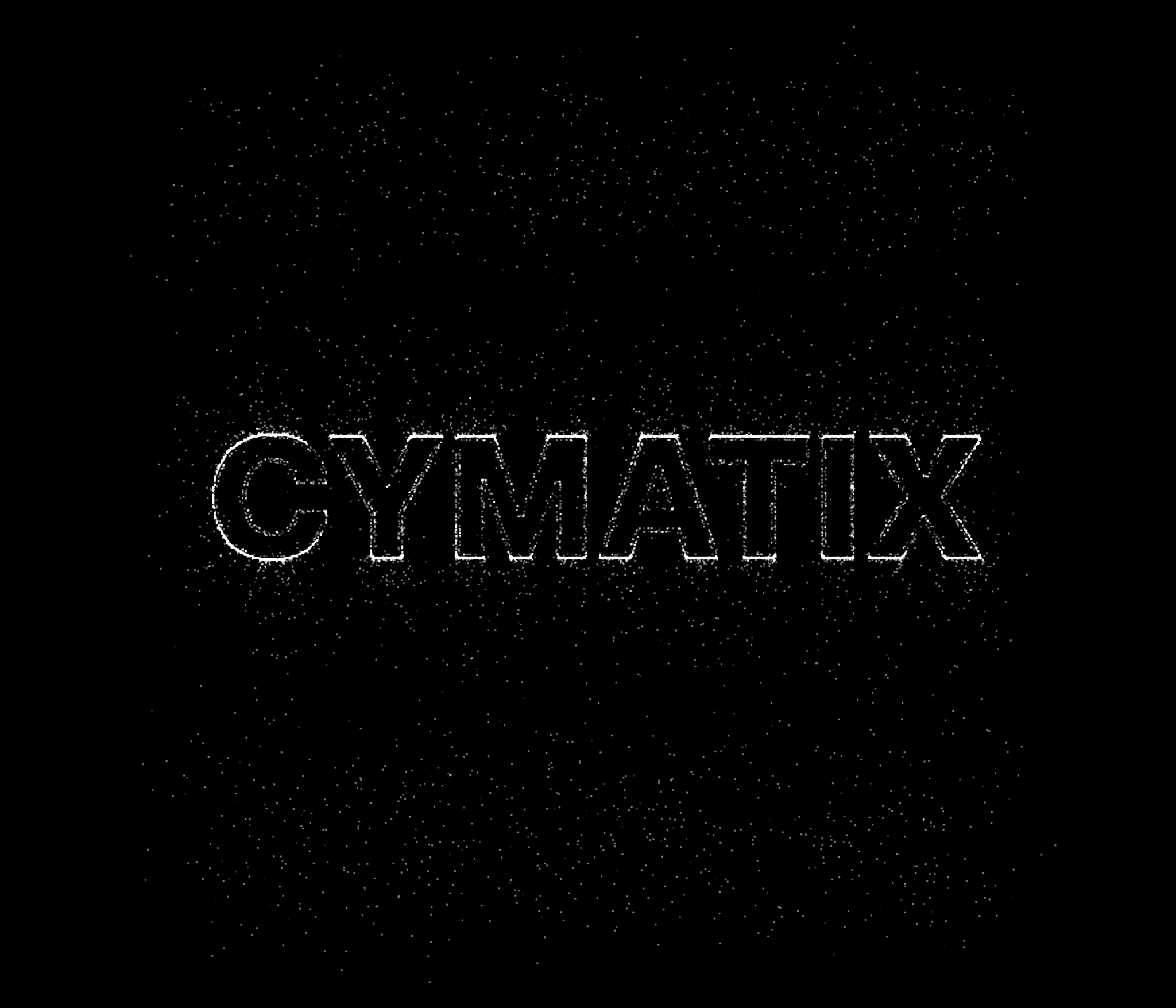
ロゴや画像の輪郭に粒子が集まり、音に呼応するビジュアルへと変化します。
Particles gather along logo and image contours, transforming static graphics into sound-reactive visuals.
デモ版でも全プレート・全エフェクト・音声反応をそのまま体験できます。PRO版は、作ったものを「持ち出す」ための扉を開きます。
The demo gives you every plate, every effect, full audio reactivity. The PRO version opens the doors that let you take your work out.
| 機能Feature | Demo | PRO |
|---|---|---|
| リアルタイム・シミュレーション(全プレート/全エフェクト/音声反応)Real-time simulation (all plates / effects / audio reactivity) | ✓ | ✓ |
| ブラウザ内プリセット SAVE / LOADIn-browser preset SAVE / LOAD | ✓ | ✓ |
| セッション時間Session length | 5分5 min | 制限なしUnlimited |
| 商用利用(ライブ・配信・案件など)Commercial use (live, streaming, client work, etc.) | 🔒 | ✓ |
| SNAP PNGスナップショット書き出しPNG snapshot export | 🔒 | ✓ |
| REC 動画録画(1:1 / 9:16 / 16:9・最長60秒)Video recording (1:1 / 9:16 / 16:9, up to 60 s) | 🔒 | ✓ |
| OUTPUT ネイティブ1920×1080専用ウィンドウNative 1920×1080 dedicated window | 🔒 | ✓ |
| PRESET EXPORT .jsonファイル書き出し.json file export | 🔒 | ✓ |
| TD TouchDesigner連携TouchDesigner integration | 🔒 | ✓ |
| OS | macOS 13以降、または Windows 10 / 11 64-bitmacOS 13 or later, or Windows 10 / 11 64-bit |
| Browser | 最新安定版 Google Chrome 推奨(ポップアップ・マイク・ファイル保存を許可)Latest stable Google Chrome recommended (allow pop-ups, microphone, downloads) |
| Processor | Apple Silicon M1以降 / Intel Core i7 / AMD Ryzen 7 クラスApple Silicon M1 or later / Intel Core i7 / AMD Ryzen 7 class |
| Memory | 16 GB RAM以上16 GB RAM or more |
| Graphics | 最新ドライバの内蔵または専用GPU。TouchDesigner・録画ソフトとの同時使用時は専用GPU推奨Recent integrated or dedicated GPU with current drivers. Dedicated GPU recommended when running with TouchDesigner and recording software |
| Display | 1920×1080以上。Screen Grab TOPでの取り込みには2台目のディスプレイを推奨1920×1080 or higher. A second display recommended for clean Screen Grab TOP capture |
まずは5分、音とかたちの関係を確かめる。必要になったら、PRO版を制作やステージへ。
Try it for five minutes. Take it further with CYMATIX PRO.
CYMATIX PRO ver:1.10 · ブラウザで動作Runs in the browser · macOS / Windows